



Betnella Mobile App
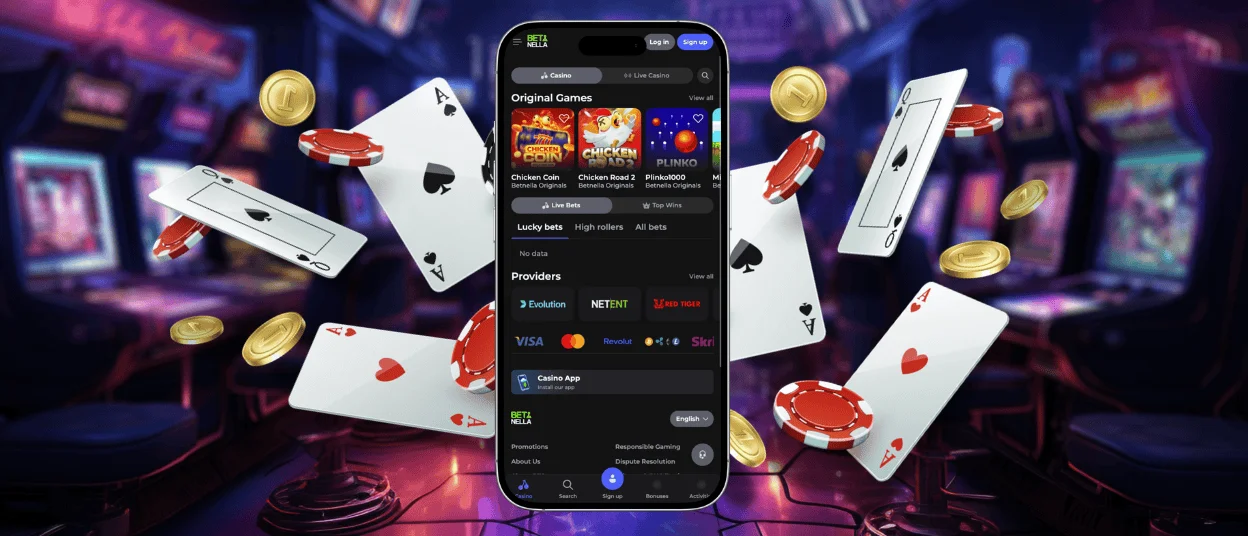
Mobile casino gaming is very popular nowadays, which is why we have developed the Betnella app. This software is available on iOS and Android gadgets. It allows you to browse through the game lobby anytime while on the go. No need to be attached to your desktop anymore. The app is in a convenient PWA format, which allows you to install it quickly and without hassle.



Betnella App Mobile
The Bet Nella mobile casino app has numerous advantages. For example, since the software is a PWA (Progressive Web App), it is easy to get it. The installation process takes only a few minutes before you can start your journey. No need to worry about updating the product or going through app stores. The program is available on iOS and Android without any hassle; the installation happens via your browser. Also, the software updates itself automatically in the background.
Accessing your profile and navigating through the library can be done in a few touches. It is possible to claim bonuses as well as customize your gaming experience right via your mobile device. The application allows you to receive notifications. This way, you can always stay in touch with Betnella Casino and keep up to date with the latest games and events.
| Application | Desktop |
| You can play anywhere, on the go. | Limited to a fixed location. |
| Easy PWA installation via browser; no app store needed. | No installation needed. Accessed directly via a web browser. |
| Automatic background updates. | Manual browser refresh. |
| Optimized for touch controls. | Relies on mouse and keyboard. |
| Supports push notifications to keep you updated. | Push notifications are also available. |
Betnella App – iOS
The iOS Betnella app was perfectly optimized for all of Apple’s devices. You can access the casino either on your iPad or your iPhone. The experience will stay smooth, and the navigation won’t glitch. The interface adapts perfectly to all screen sizes.
The installation is quick and won’t take you more than a few minutes. Here’s how to get it:
- Visit the Betnella Casino official website.
- Tap on the menu.
- Press the “Share” button.
- Move on by pressing “Add to home screen.”
- Give the app a name.
Upon installation, the software will appear on your home screen. The PWA app of Betnella Casino works like any standard application. To begin your experience, press the casino icon and log into your account.
Before installing the app on your iOS device, make sure that you have updated it. The software will easily install on most modern devices, but it is important to have the latest iOS update.
Betnella App – Android
For Android users, the Bet Nella Casino application is also delivered as a progressive web app. You don’t need to visit the Google Play Store to get it. Users can access it directly from their preferred mobile browser, such as Google Chrome. The software installs in a few taps onto your home screen just like a regular application. You can access it easily by clicking on the casino icon upon installation.
To get the software installed, open your browser and go to the Bet Nella website. Continue by tapping on the menu bar and pressing the “Add to home screen” button. When you tap that, a pop-up window will appear. It will ask you to confirm the installation. Just press the confirmation button. The system will then automatically create a special icon for Betnella Casino on your Android home screen.
Betnella APK
The APK format has numerous disadvantages, which is why we went for the PWA configuration for our app. With a traditional APK installation process, Betnella Casino users would have to manually download a file from an unverified source. We found this too unsafe for our customers. With the PWA, there’s no need to go looking for suspicious files online to install the software; everything is done through the browser. The installation process is totally safe, and there are no storage worries.
Betnella App – Desktop and Supported Browsers
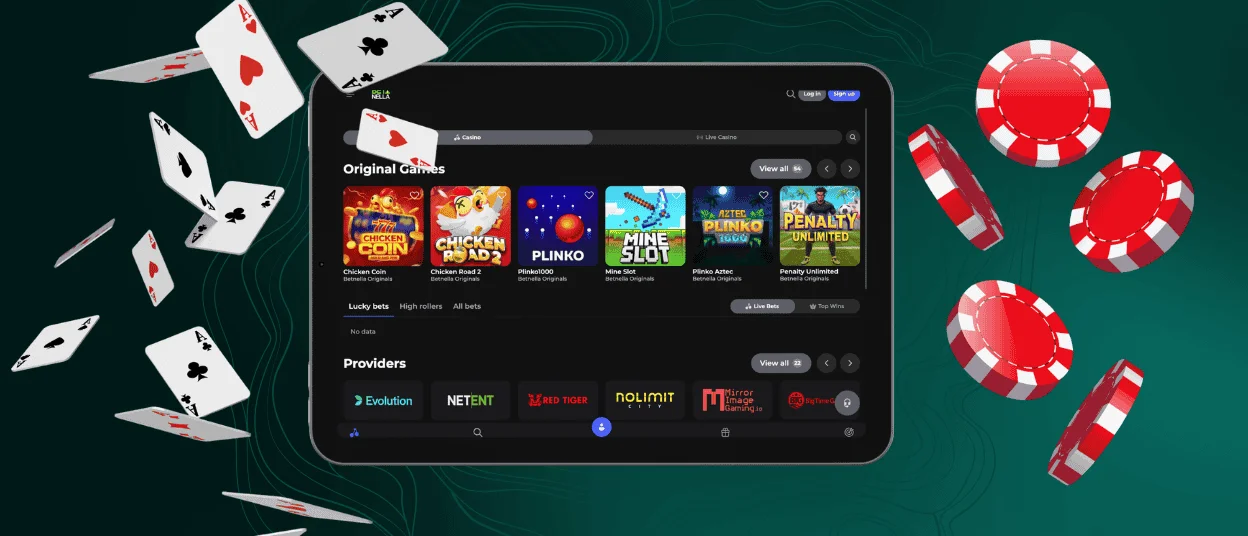
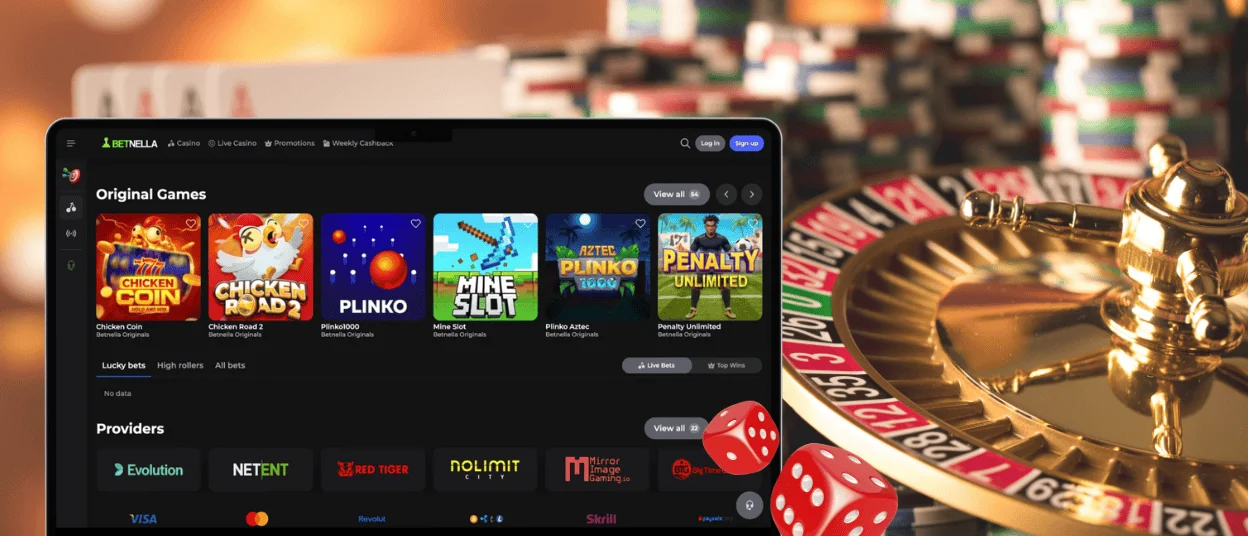
Apart from the mobile app, Bet Nella Casino is also available for desktop computers. We have developed special software that adapts to desktops’ screen sizes. This makes the experience with the casino way more convenient than simply navigating through your browser.
The app works as a shortcut. It allows you to gain access to your favorite online slots in a few clicks right from your desktop. It has been optimized for computers to make the experience smooth and the navigation quick, without any hassle.
Just like for Android and iOS devices, the desktop version is also powered by PWA technology. It means that there’s no heavy software to install. You can easily get it either on macOS or on Windows.
FAQ
How do I fix loading or connection issues in the app?
First, it is important to check your internet connection. Make sure that the Wi-Fi connection or mobile data works correctly. You can also refresh the application or restart it, as well as clear the browser cache.
Where can I download the Betnella app from a trustworthy source?
The Bet Nella Casino application is a PWA, which means that you can easily download it right from your browser. There’s no need to look for our casino files online or in app stores. Simply add the shortcut to your main screen.
How can I contact support from within the app?
Our support team is available 24/7 and offers multilingual support. You can reach out to us via live chat or email. The crew answers promptly to all questions related to the casino and the application. Also, they can help you go through the verification process.


